A professional email address on your own domain, like you@yourbusiness.com, makes your business look established in every message you send. We set it up, connect it to your devices and test it, so it works from day one.
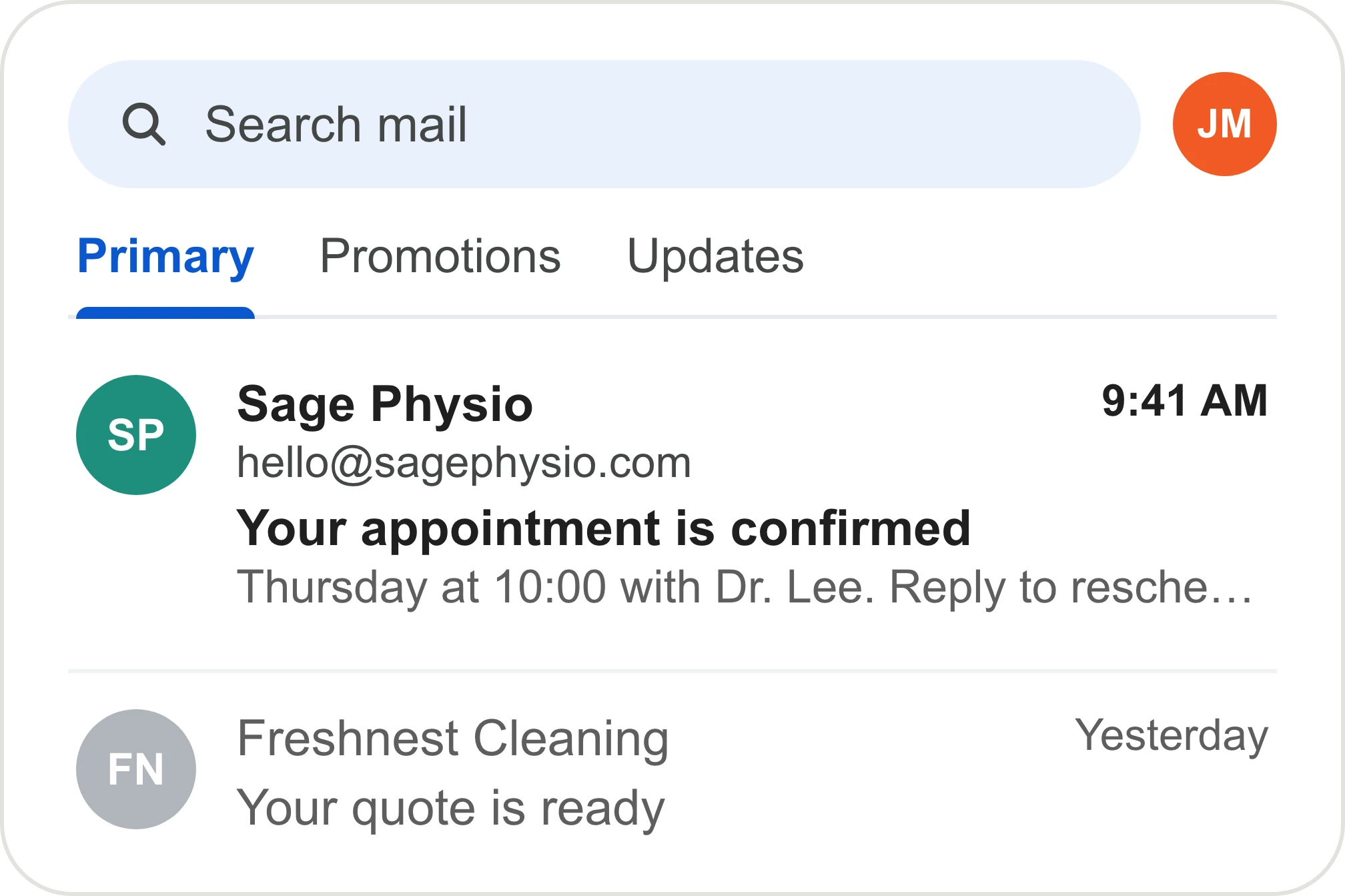
A free email address on a quote or invoice quietly tells customers you might be a one-person side job. Your competitors email from their own domain. Customers notice the difference before they read the first line.
Choose a provider. We recommend hosting email, Google Workspace or Microsoft 365, based on your team.
Create your addresses. We set up the addresses you need on your own domain, in your own account.
Protect delivery. We add the settings that keep your emails out of spam, then send test messages.
Connect and switch over. We connect your devices, add your signature and forward your old address if you want.
You'll benefit if any of these are true:
If you already email from your own domain and it works well, you don't need this. We'll check on the call.
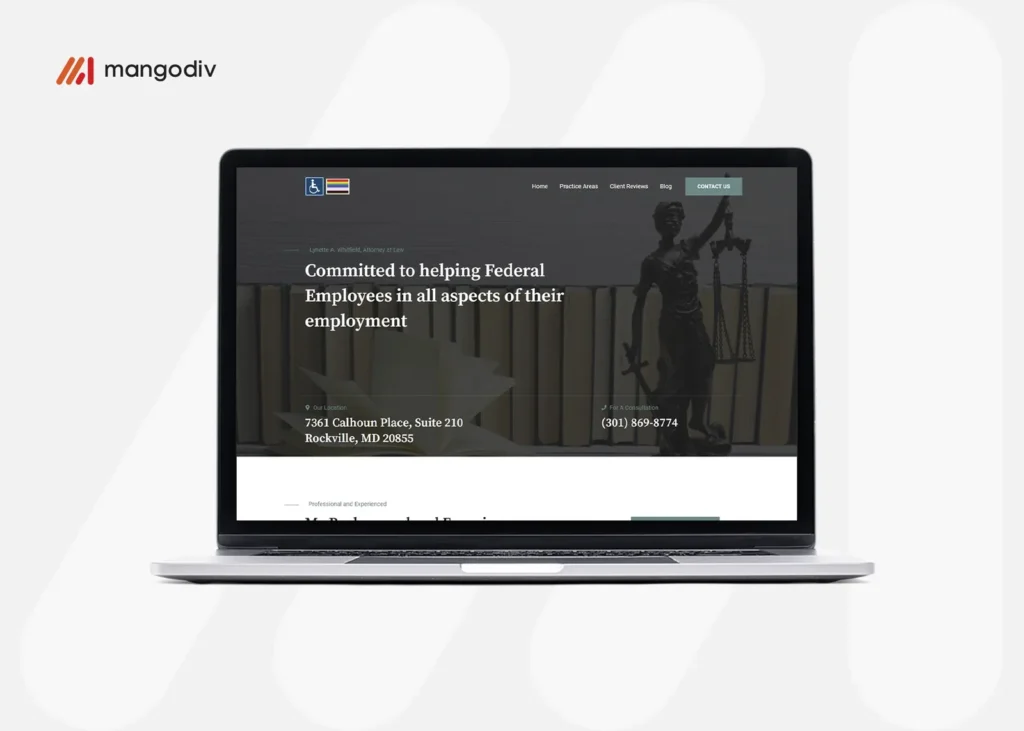
A website for an employment law firm that represents federal employees.
Live websiteA website for a mortgage broker serving Wimbledon and Farnham.
Live websiteA website for a legal consulting firm offering litigation support.
Live websiteBusiness email setup is included in every Presence Build. The account is in your name, so you own it from day one.
See what it costsAsk us here. We reply by email within one business day.
Which email provider should I use?
For most small teams, the free email from your hosting provider is enough. If you need shared calendars and documents, we set up Google Workspace or Microsoft 365.
Can I keep my current email address?
Yes. We can forward your old address to the new one, so you don't miss anything during the switch.
Why do my emails go to spam?
Usually because the settings that prove an email comes from your domain are missing. We add them during setup and test them.
What does business email cost?
Email from your hosting provider is often included with your hosting. Google Workspace and Microsoft 365 charge per user, billed to you directly.
Do I own the email account?
Yes. It's set up in your own account.
Book a free 30-minute call. We'll ask how customers find you today and tell you honestly whether we can help.