Example
Picture a two-bay auto repair shop on a side street, a block off the main road. Call the owner Tomas. For years, new customers have told him the same thing: they drove past and never knew he was there. He had assumed Google would sort that out on its own. Nobody had told him that to get your business on Google Maps, you have to claim it first.
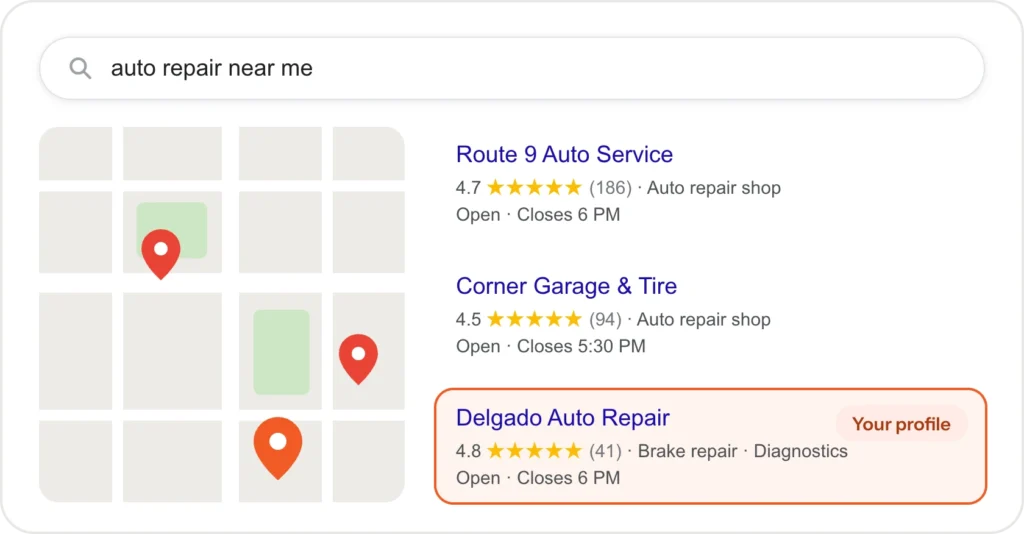
One afternoon he stands in his own parking lot, types “auto repair near me” into his phone and watches three other shops appear on the map.
His is not one of them.
Getting on the map is free, and the first step takes an afternoon. Moving up it takes longer. It depends on three things, and you control two of them.
What puts a business on Google Maps?
A Google Business Profile. It is the free listing Google shows on Maps and in the map results at the top of local searches. It holds your business name, phone number, opening hours, photos, reviews and the services you offer. For most service businesses, it is the first thing a nearby customer sees, often before your website.
Tomas, it turned out, did have a profile. A customer had suggested an edit years ago, and Google had created a bare listing with the wrong hours and no photos. Nobody at the shop had ever claimed it.
Key point: A listing can exist without you. It only works for you once you claim it and fill it in.
So that was his first evening’s job.
How do you get your business on Google Maps, step by step?
Here is the order Tomas followed, and the one that suits most service businesses.
- Use a Google account the business controls. Not the personal account of an employee who might leave.
- Check whether a profile already exists. Search for your business name on Google Maps. If a listing is there, request access to it instead of creating a second one. Duplicates confuse Google and customers.
- Create or claim the profile. Use your business name exactly as it appears on your sign and paperwork. Then pick the category that best describes your main service.
- Choose how you serve customers. If customers come to you, add your address. If you go to them, hide your address and list the areas you serve instead.
- Verify that you own the business. Google asks for proof before the profile goes fully live. The methods it offers change over time and vary by business, so follow whichever options the setup screen shows you.
- Fill in everything. Services, hours, holiday hours, service areas, a short description, your website and real photos of your work, team or premises.
By the end of the week, Tomas was on the map. He still was not near the top of it.
Why does a verified profile still not show up?
Google explains this on its own help page, Tips to improve your local ranking on Google. Local results are based mainly on three things: relevance, distance and prominence.
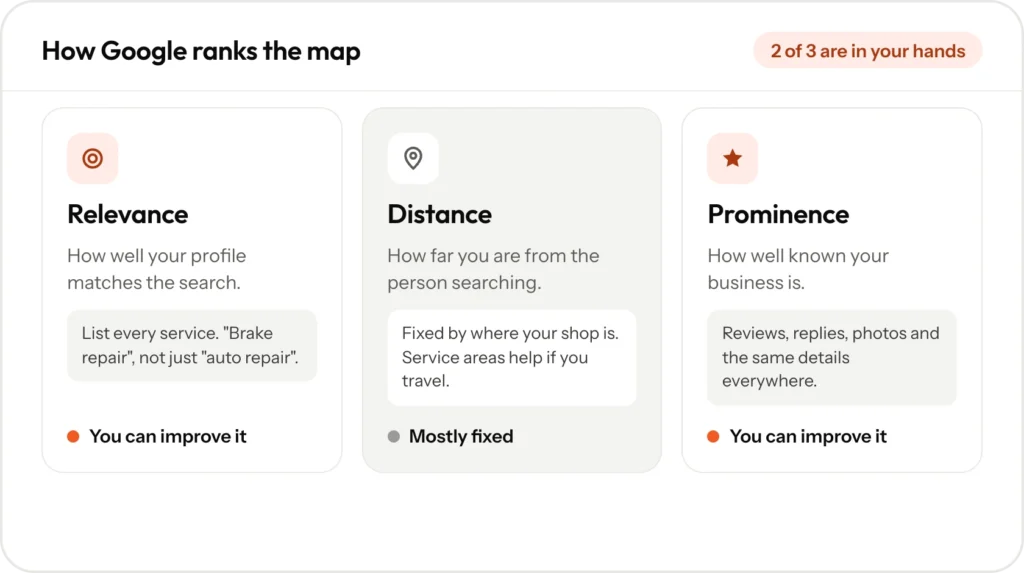
Relevance is how well your profile matches the search. Someone searching “brake repair” gets a better match from a shop that lists brake repair than from one that only says “auto repair”.
Distance is how far you are from the person searching. Tomas cannot change this one. His shop will always be a stronger result for drivers nearby than for drivers across town.
Prominence is how well known your business is. Reviews are part of it. Google’s help page says more reviews and positive ratings can help your local ranking.
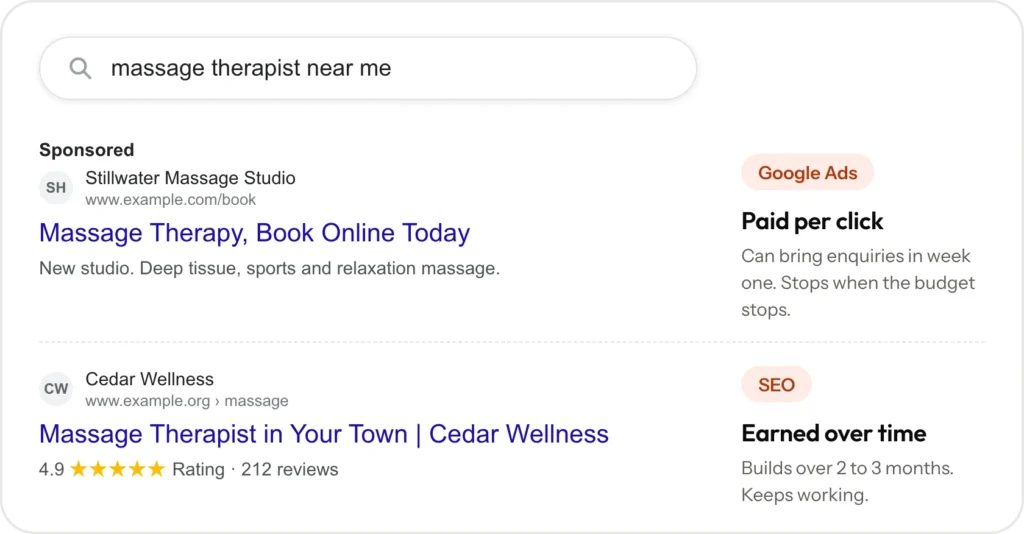
The same page is clear on one more point: “There’s no way to request or pay for a better local ranking on Google.” Ads can appear above the map, labeled as sponsored, but they do not change where your profile ranks.
Key point: You cannot move your shop closer to every driver. You can make your profile the best match and the best known.
That is where the rest of Tomas’s effort went.
What helps you move up the map?
Since distance is fixed, the work goes into relevance and prominence.
- A complete profile. Google says businesses with complete and accurate information are more likely to show up. Every service listed, correct hours and real photos.
- The same details everywhere. Your business name, address and phone number should match across your website, your profile and the directories Google checks. Tomas found two directories still showing a phone number he dropped years ago.
- A website page for each service. Google can match a page about brake repair to a brake repair search far more easily than one general page that lists ten services.
- Reviews, and replies to them. Ask happy customers to leave a review, and reply to every one, good or bad. Replies show future customers that someone is paying attention.
- Regular activity. Updates, new photos and fresh reviews show that the business is active.
What did Tomas do in his first 90 days?
Here is the order of work for a shop like his. It is a plan, not a promise of where he will rank.
Week one. He claims the old listing, corrects his hours and verifies the profile. He adds his services one by one: brake repair, oil changes, diagnostics, air conditioning and state inspections. He uploads photos of the bays, the waiting area and the team at work.
The next few weeks. His website gets a page for each of those services, written in the words drivers actually search for. He fixes the two directories that still show the old phone number.
From the second month. He asks for a review after every finished job and replies to each one. He adds photos when the shop does notable work.
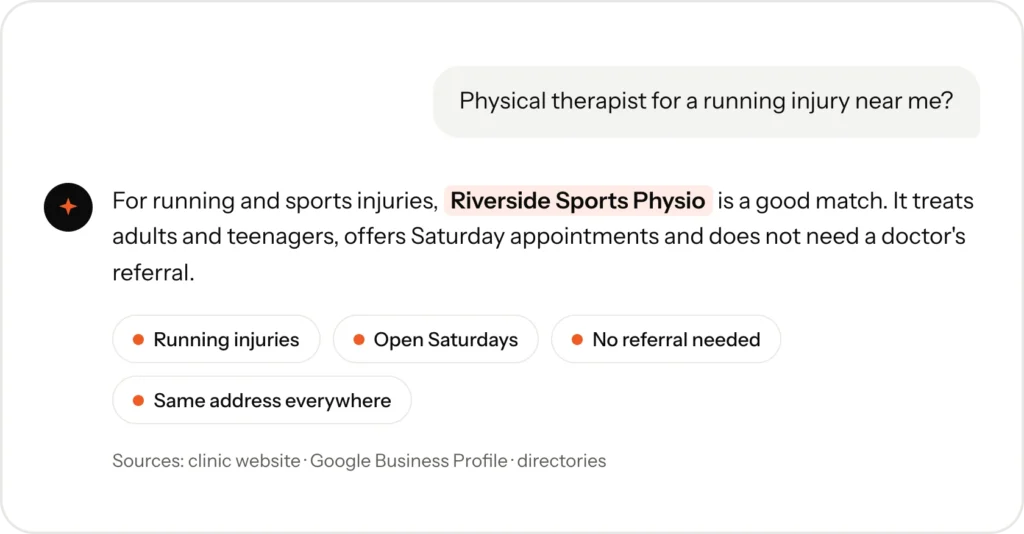
New inquiries from local search usually build over 2 to 3 months, depending on the competition and where you start. AI tools such as ChatGPT read the same profiles and directories, so clean, consistent details help there too. Our guide on how to get your business recommended by ChatGPT covers that side.
Example
Now picture the next driver who searches from the corner by his shop. This time there is a profile with the right hours, photos of the bays, a list of services and a few fresh reviews.
Whether Tomas ranks first still depends on the shops around him. Whether he looks like a real, open business no longer does.
What if you need calls before then?
Local SEO is slow to start and keeps working once it does. If you need the phone to ring this week, paid ads are faster. Many owners run both, then lower the ad budget as map inquiries grow. We compare the two in Google Ads or SEO: which should a service business start with?
Setting up your Google Business Profile and local listings is part of every Presence Build. See how our local SEO works and what we build for automotive businesses. Prices are on our pricing page, or you can book a free 30-minute call and we will look at your map listing with you.
Frequently asked questions
Yes. Google does not charge for the profile, and you cannot pay Google for a better local ranking.
No. Businesses that travel to customers can hide their address and list the areas they serve instead.
Usually the profile is incomplete, your details differ between sites, or nearby competitors have more reviews and more relevant pages. Distance matters too, so results also change depending on where you search from.
Your profile can appear once Google verifies it. Ranking higher usually builds over 2 to 3 months, because competitors are doing the same work.
Yes. It is part of every Presence Build. On Care + Growth, we also post to your profile and request reviews every month.